 Sorae
SoraeAI photo doodles, notes & scrapbook artYour photo already feels something.
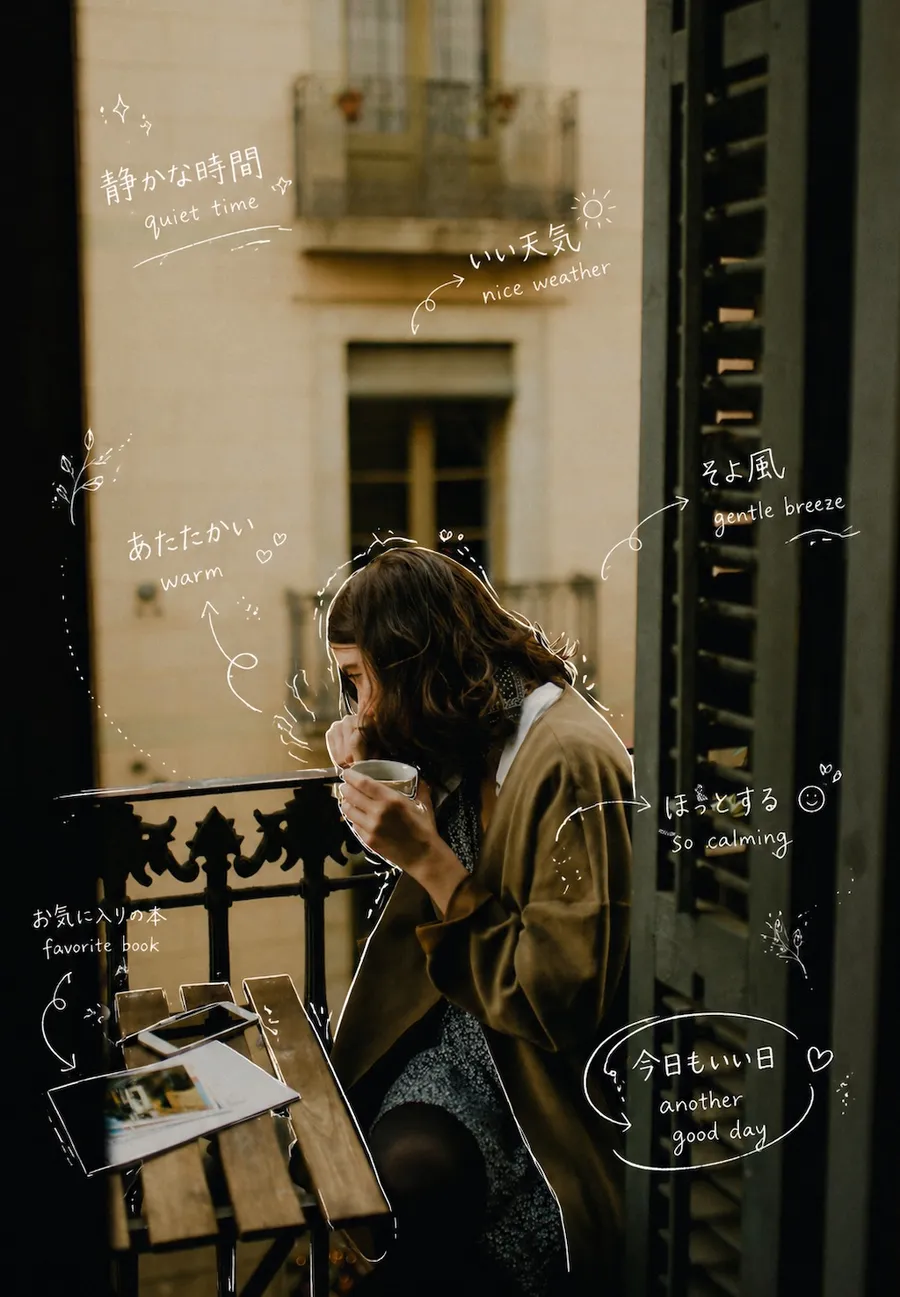
Sorae reads the mood of a photo and draws it in: handwritten notes, doodles, a scrapbook page or a quiet watercolor, with captions in the languages you choose. No editing skills needed.
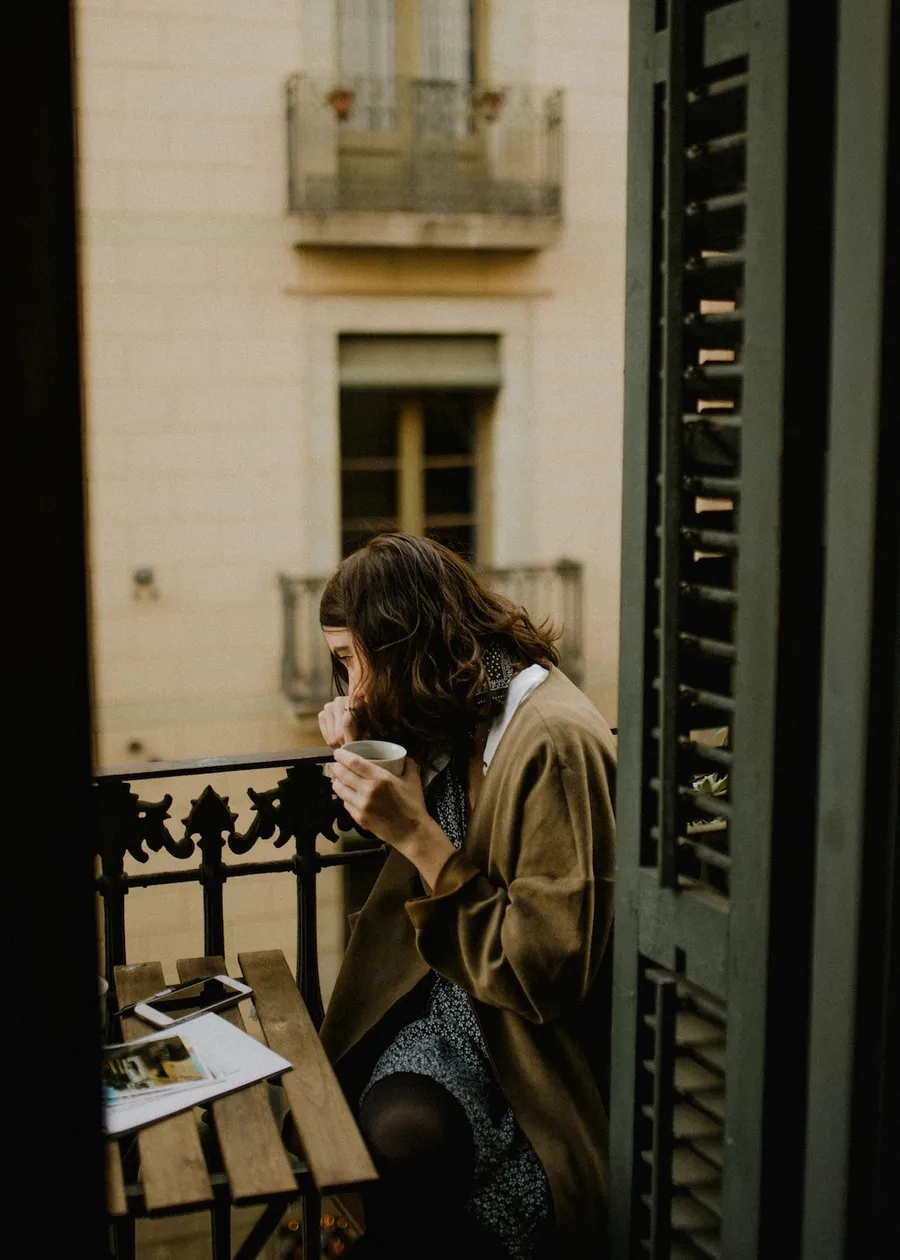
Eight ways to tell the same moment
Every image here is a real Sorae result. Choose a style yourself, or tap Surprise me and let Sorae pick the style and the caption language for you.
01
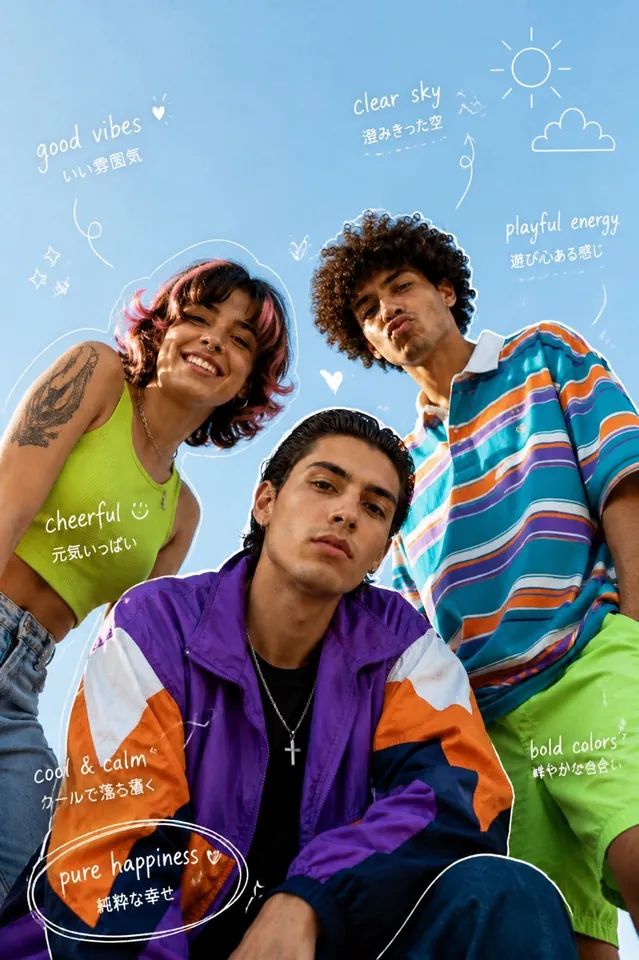
Hand Annotation
clean notes around what matters
Thin white handwritten notes that trace the details in your photo, the way you would mark up a print with a gel pen.

02
Analog Diary
warm memory-page film notes
Soft film warmth with diary-like handwritten fragments and a quiet, nostalgic feel.
03
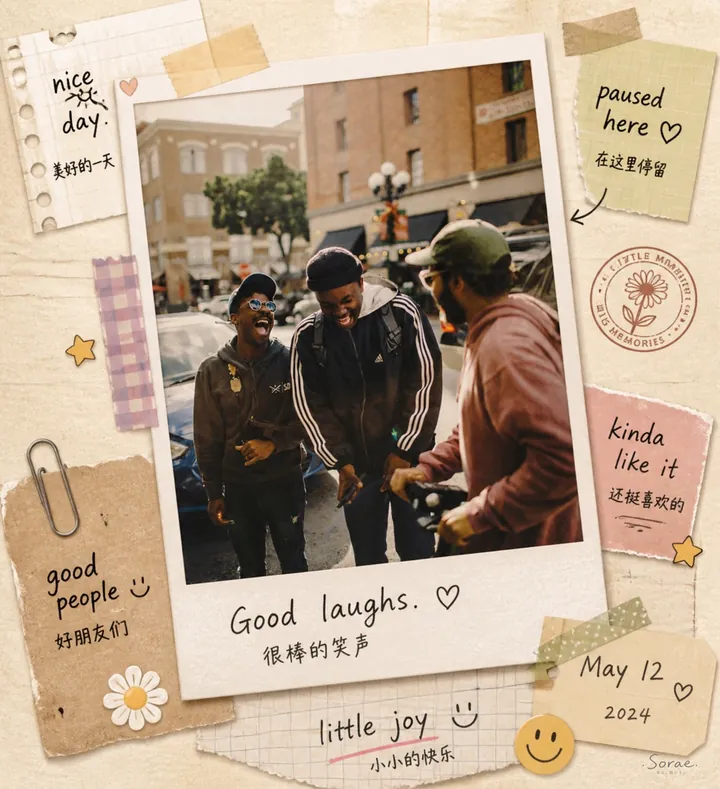
Scrapbook
polaroid collage with layered keepsakes
Turns the photo into a tactile collage with tape, a polaroid frame, stamps and note scraps.
04
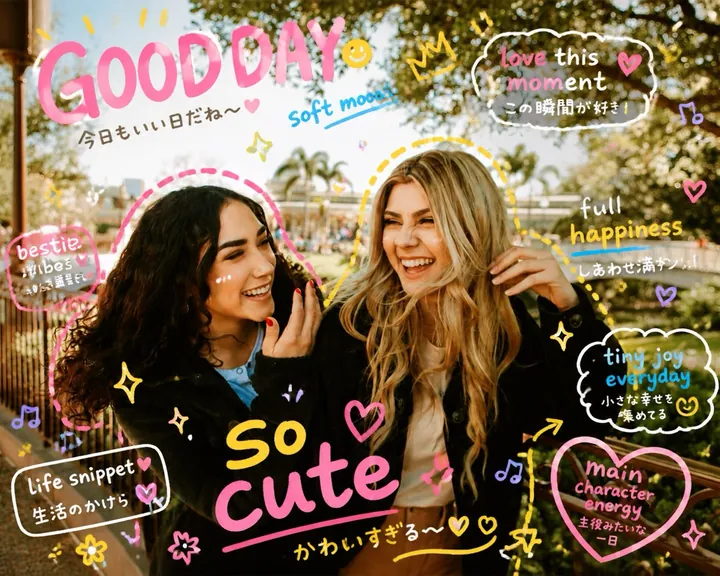
Playful Doodle
bold childlike marks and energy
Bright doodles, big lines and bubbly lettering for a spontaneous, playful mood.
05
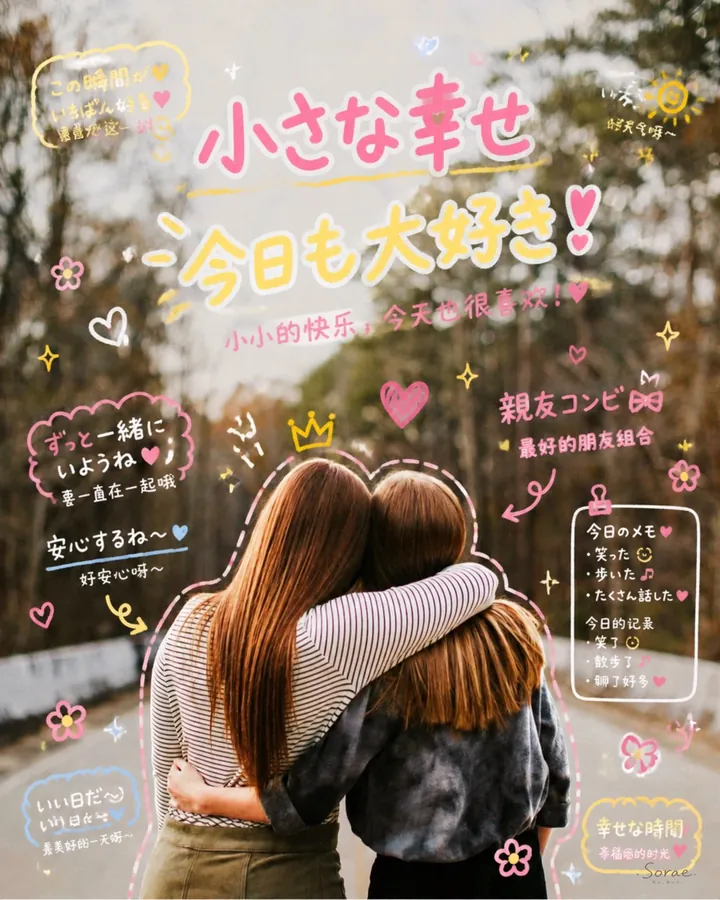
Marker Doodle
celebration notes and pastel cheer
Cute marker-style decorations, wishes and celebratory lettering, made for birthdays and best friends.
06 · no captions
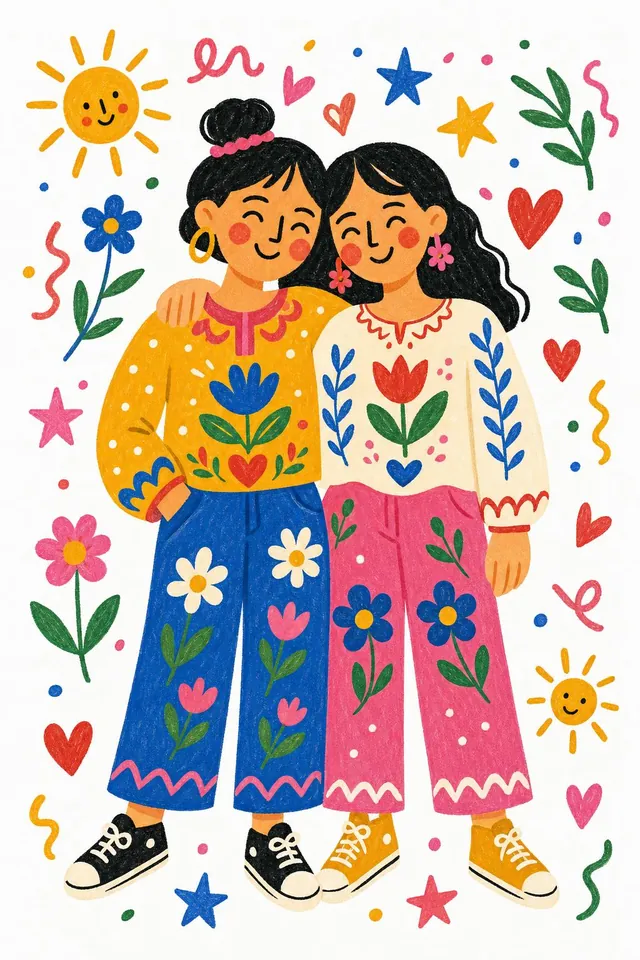
Folk Flat
bold folk-art shapes on white paper
Redraws the whole photo as a flat, childlike folk illustration with flowers, suns and hearts.
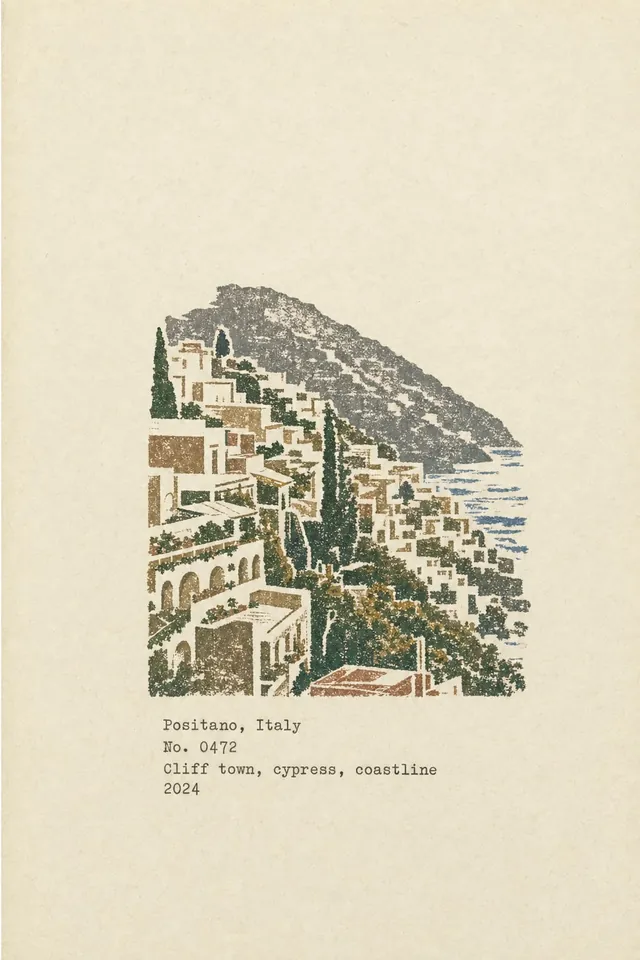
07 · no captions
Field Notes
your photo carved into one stamp
Prints the place as a single hand-carved rubber stamp on aged paper, with a typewritten place name, number and year.
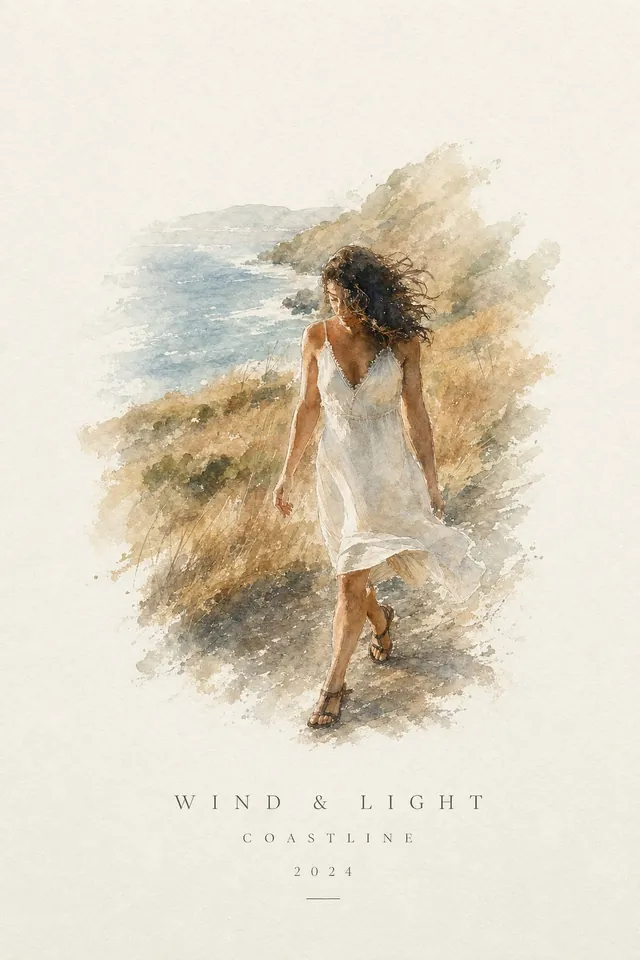
08
Watercolor Postcard
the moment as a watercolor on paper
Lets the moment reappear as one light watercolor floating on paper, titled and signed like a print.
Three steps, about a minute
- 1
Choose a photo
Pick one from your library or take a new one. Clear photos of people, pets, food and places work best; Sorae tells you if a shot is too blurry or is mostly text.
- 2
Pick a style, or tap Surprise me
Choose one of the eight styles and up to two caption languages. Or let Sorae choose both at random and see what it finds.
- 3
Save, share, keep it
In about a minute your creation is ready. Save it to Photos, share it, and find it again in your Gallery, where you can favorite the ones you love.
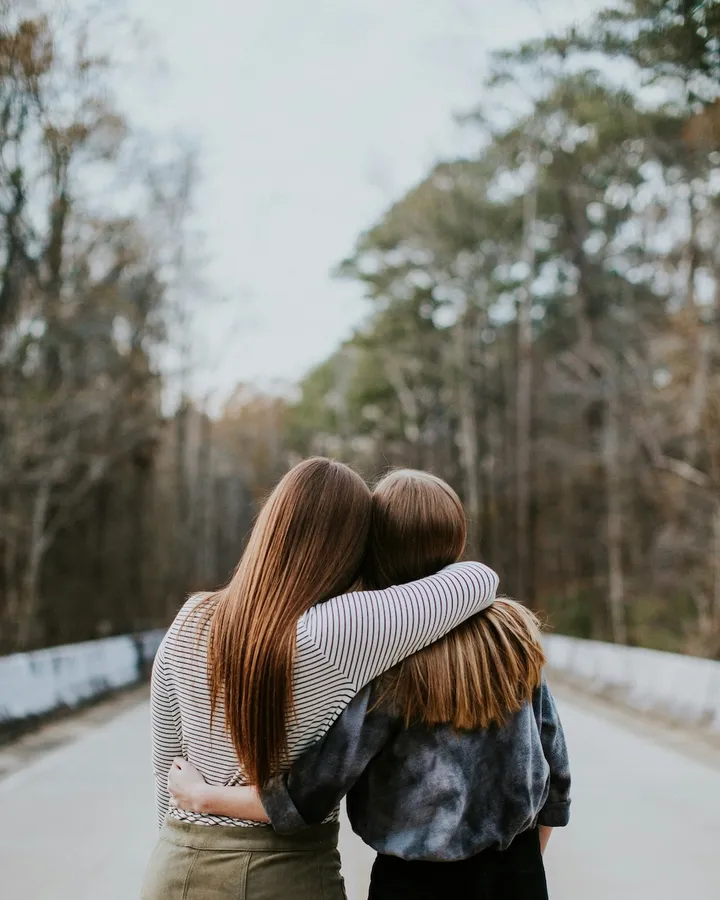
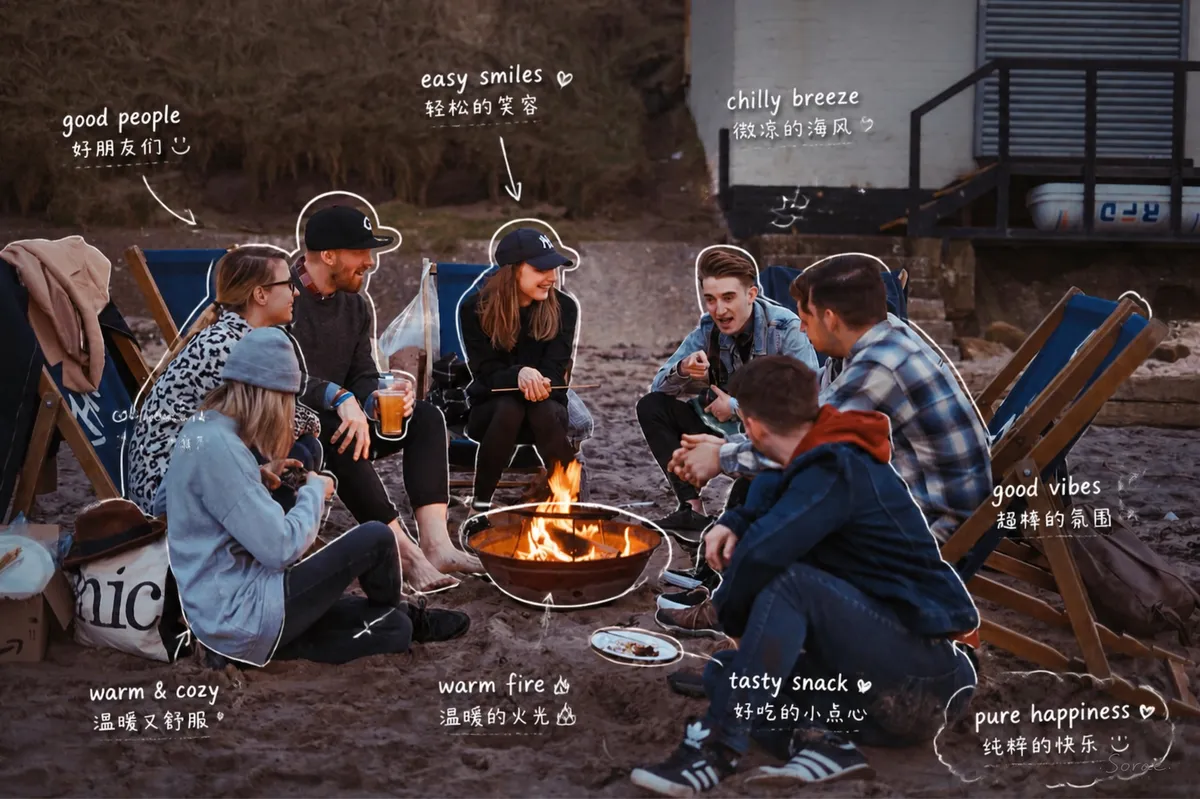
Written in the language you feel in
Pick up to two caption languages for each creation, such as English with Japanese or Chinese with French, and the notes are written in both.
- English
- 中文
- 日本語
- Español
- Français
- Deutsch
- 한국어
- Português
- Italiano
- Русский
- العربية
Folk Flat and Field Notes redraw the photo without captions, so they skip this step. Field Notes labels are always typed in English.
Quiet on purpose, so your photo stays the hero

Start from any photo in your library or camera.

Captions you might not have found the words for.

Every creation is kept in your Gallery.
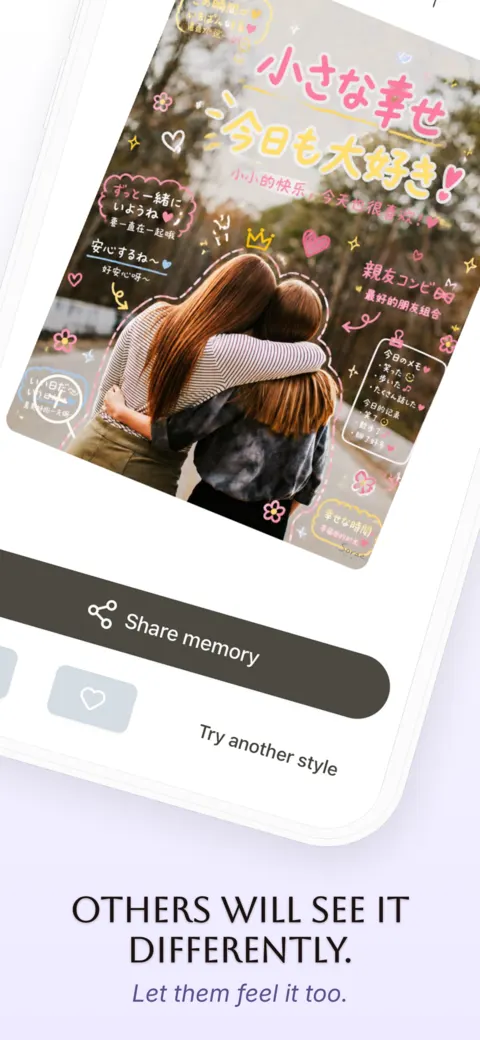
Share it, save it, or try another style.
Start free. Go Pro when you want more.
Free
No account, no card.
- Every style and caption language
- A limited number of free creations each month
- Share a creation to earn a bonus one
- A small Sorae watermark on saved and shared images
Sorae Pro
An auto-renewing subscription, priced in the app.
- New creations every day
- No watermark (or keep it on, it’s a setting)
- Everything in Free
The price for your country is shown in the app before you subscribe. Subscriptions renew automatically unless cancelled at least 24 hours before the period ends; manage them in your Apple Account settings.
Questions
What is Sorae?
Sorae is an iPhone app that turns an everyday photo into a memory card. It reads the mood of the moment and adds handwritten notes, doodles and captions in the languages you choose, or redraws the photo as a scrapbook page, a folk illustration, a rubber stamp or a watercolor.
How does Sorae make the images?
Sorae sends your photo to an AI image model (from OpenAI or Google) with instructions for the style and languages you chose, and the model draws a new image. Because each result is drawn fresh, the same photo can come back a little different, and a caption or small detail is occasionally imperfect; you can always create another version.
Do I need an account?
No. There is no sign-up: open Sorae, choose a photo and create right away.
How long does a creation take?
About a minute. You can watch the progress while Sorae works, and the result opens as soon as it is ready.
What kind of photos work best?
Clear photos of people, friends, pets, food, trips and everyday moments. Screenshots of text, blank frames and very blurry shots are turned away before Sorae starts, so you can pick another photo.
Which languages can the captions use?
English, Chinese, Japanese, Spanish, French, German, Korean, Portuguese, Italian, Russian and Arabic. You can pick up to two per creation. The app itself is available in English, Simplified and Traditional Chinese, Japanese, Spanish, French, German and Portuguese.
Is Sorae free?
Sorae is free to download and includes a limited number of free creations each month, with every style. Sharing a creation can earn you a bonus one. Sorae Pro adds new creations every day and removes the watermark.
Why is there a watermark?
Free creations carry a small Sorae mark when you save or share them. Pro removes it, and you can switch it back on in Settings if you like the signature.
What happens to my photos?
To make a creation, the photo you chose is sent securely to our server, which asks an AI image model to draw the result. Your photos are not sold or used for advertising, and your Gallery of creations stays on your phone. See the Privacy Policy for details.
Is Sorae available on Android?
Not yet. Sorae is available for iPhone on the App Store.
 Scan to download